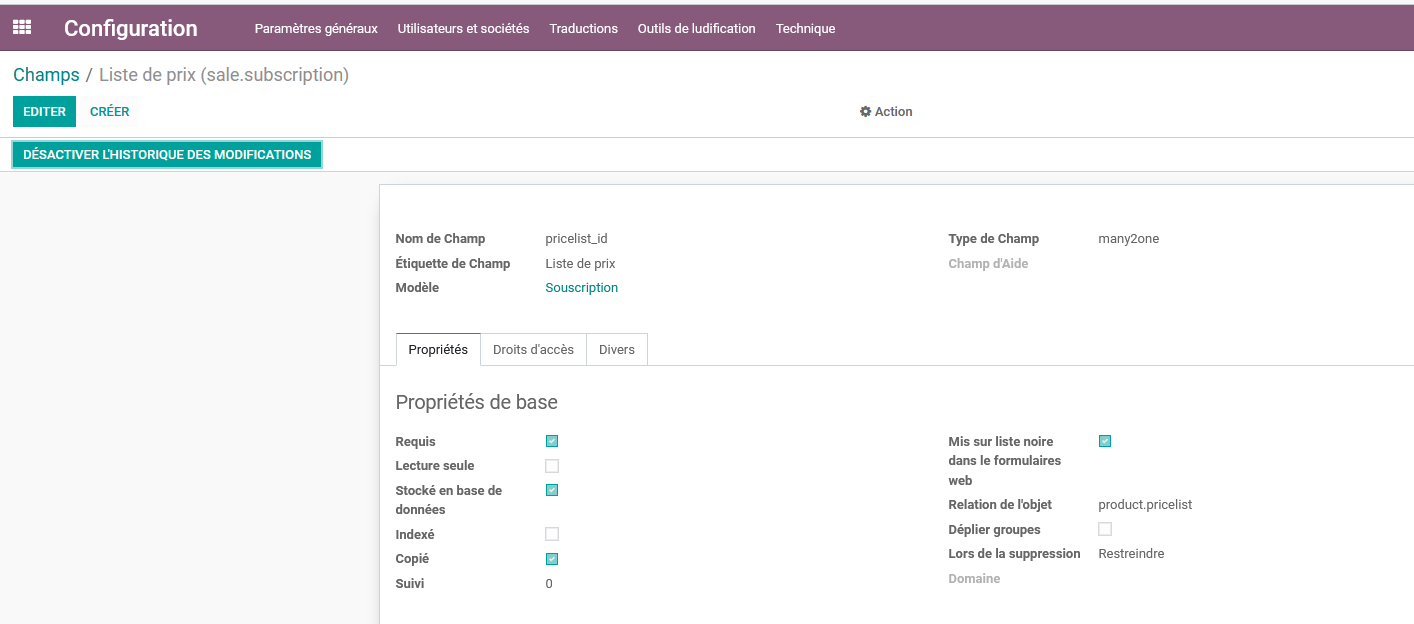
Field Attribute
Comprehensive guide to understanding and using the Field Attribute module features.
Overview
The Field Attribute module provides powerful tools for managing and tracking field attributes in Odoo.
Configuration Guide
Step 1: Access Settings
Access the Field Attribute configuration through the Settings menu : Configuration > Technical > Database Structure > Fields
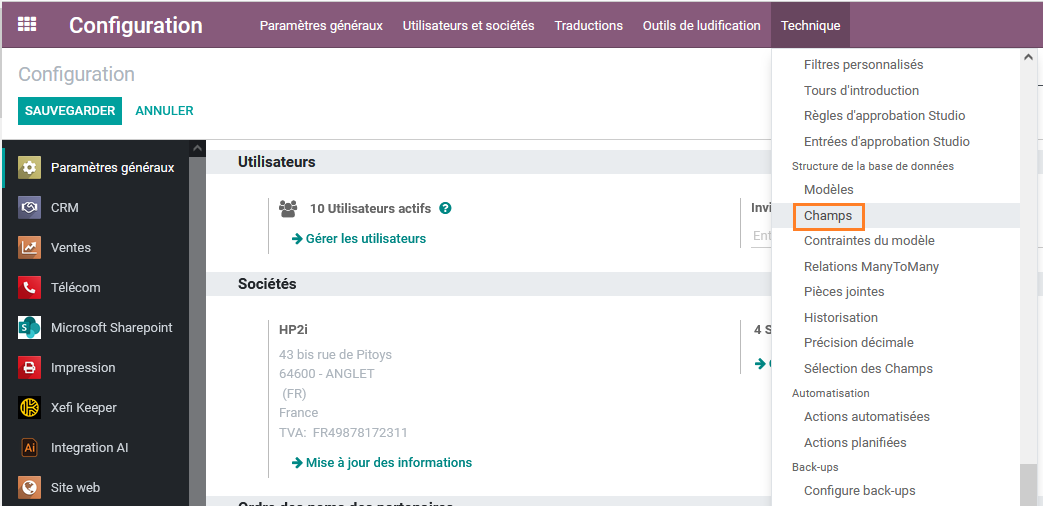
Step 2: Open field's form
Choose the field that needs to be tracked
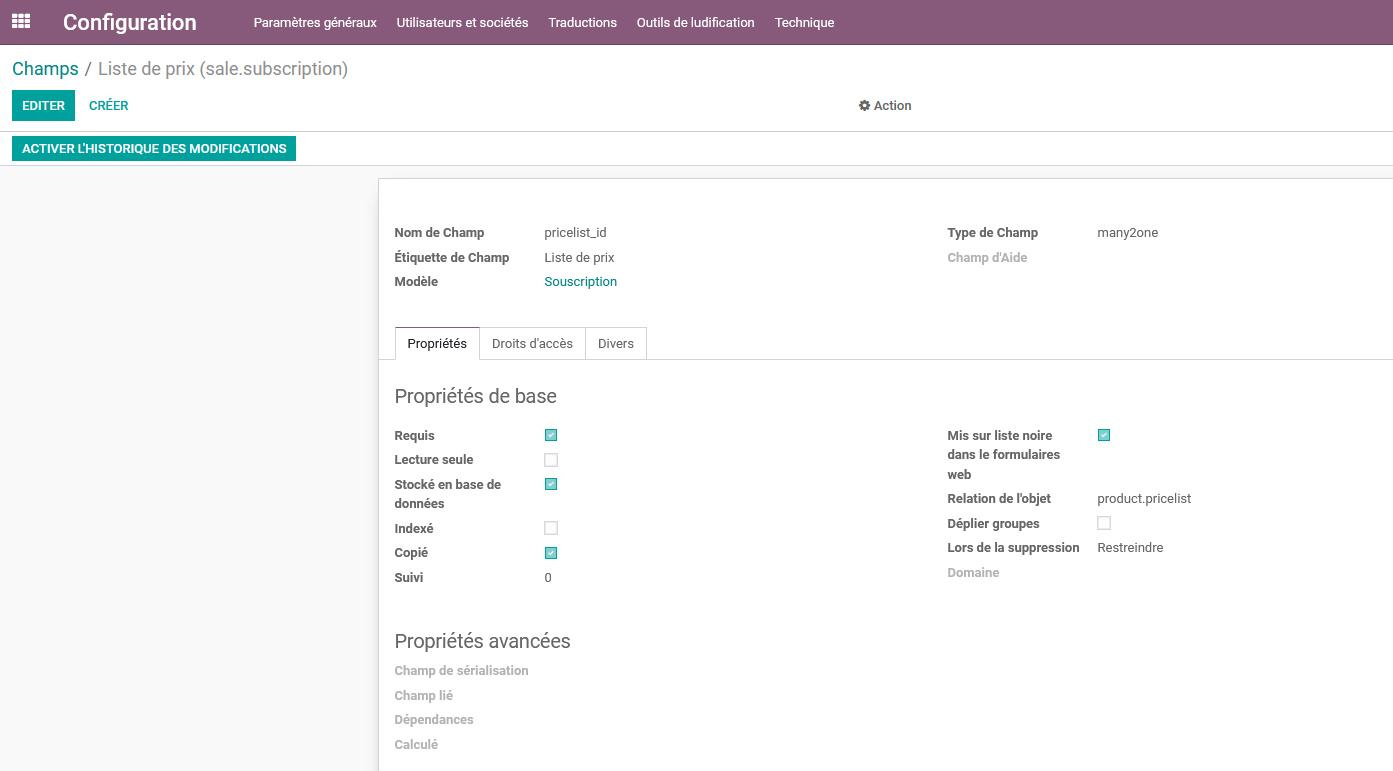
Step 3: Turn on tracking
Click on the button "Activate HP2i Tracking" to activate the tracking of the field
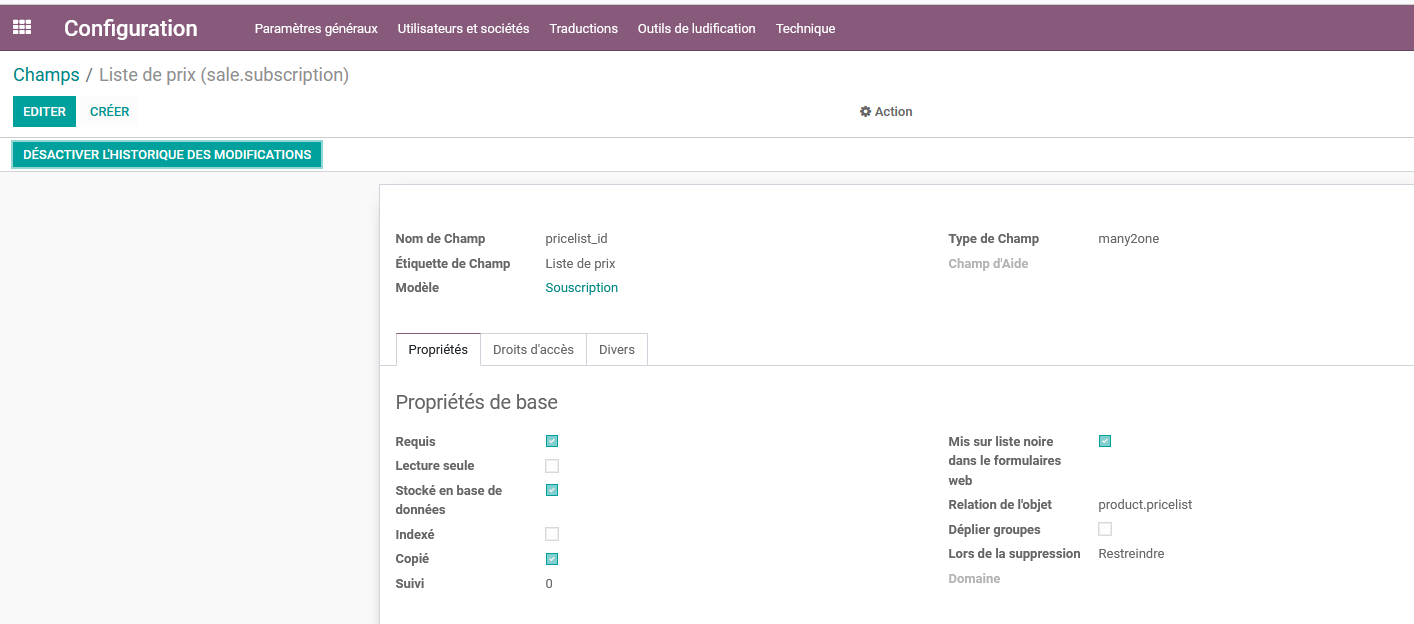
Disable tracking
Click on the button "Disable HP2i Tracking" to activate the tracking of the field